

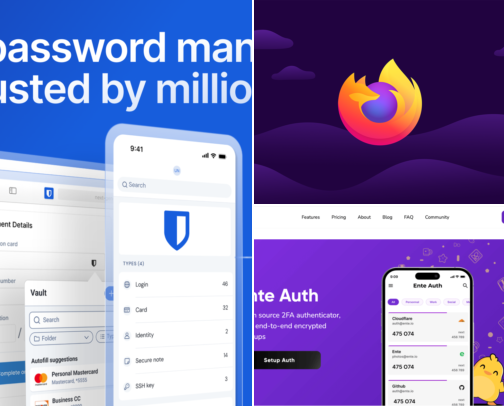
Start here: build your own PrivacyPack at privacypack.org — pick the apps you left behind, show what replaced them, and share the card. It takes two minutes and it makes the whole setup legible. These are the twenty-one best privacy apps I would install on an iPhone, Android phone, Mac or Windows PC, in the order they close a real gap: a password manager and two-factor authentication first, then a private browser, ad blocker, private search and encrypted DNS, then encrypted cloud storage and photo backup, then private messaging and encrypted email. Free options lead wherever free is genuinely good enough. The last section covers the paid privacy tools — the cheaper or extra-service option for a job the main list does not cover — with what you give up written beside it, not hidden. Disclosure: some links in this list are affiliate links. If you buy through one, I may earn a commission at no extra cost to you. Several of the strongest recommendations here pay nothing at all, and they are in the list for exactly that reason.